


Sync Apollo.io with monday.com
— without the headaches
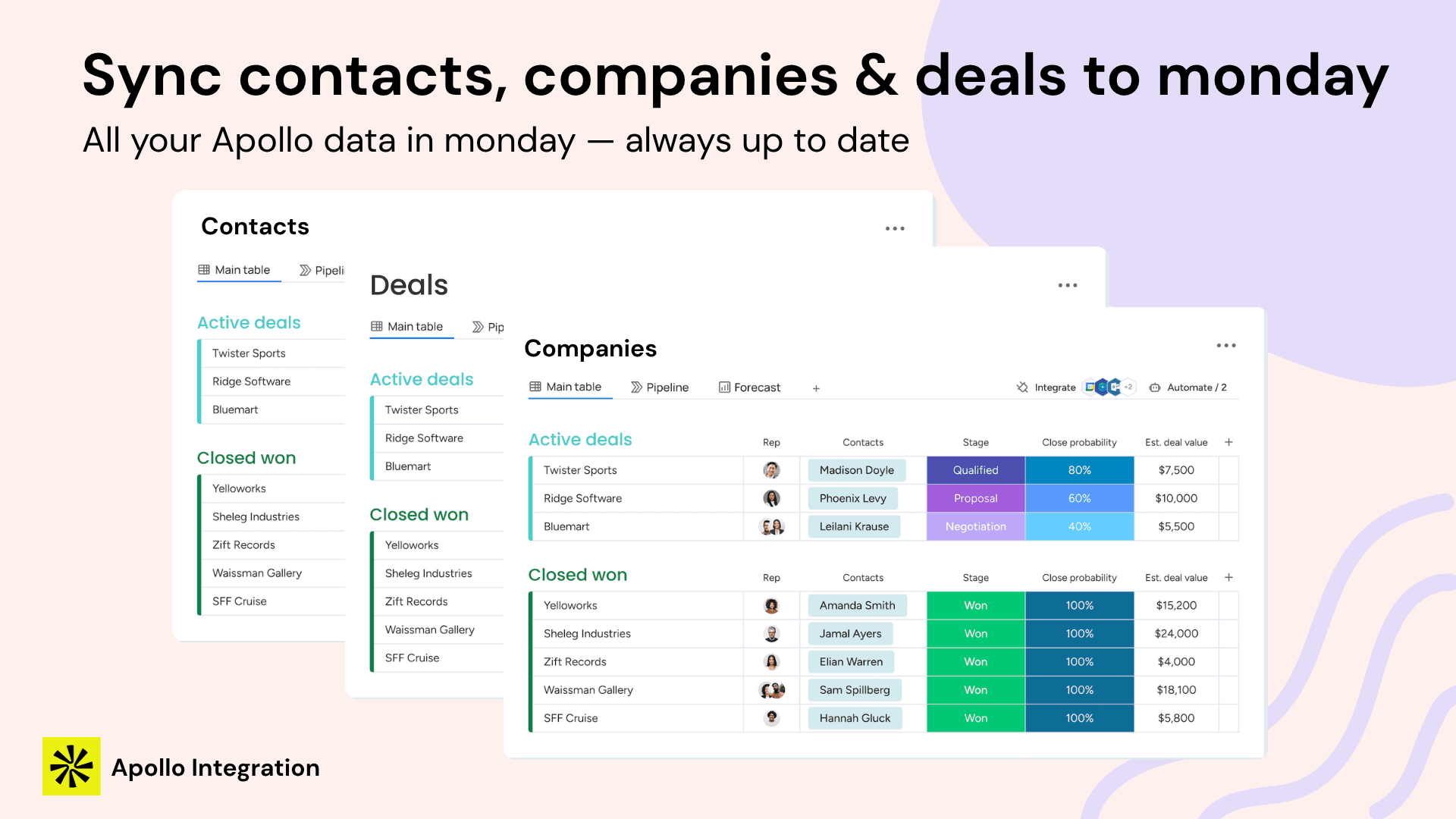
Stop spending 30–60 minutes a day on manual data entry. Sync contacts, companies, and deals from Apollo to monday.com automatically — with smart deduplication, credit-safe enrichment, and a full audit trail.
Free forever tier · Unlimited updates · 5-min setup
Why existing solutions
keep failing you
Teams manually move contacts between Apollo and monday.com every day. That's up to 300 hours of admin work a year that adds zero pipeline value.
Zapier creates a new monday.com item for every Apollo contact — no deduplication, no update logic, and silent failures with no error visibility.
35% of reviews cite duplicate contacts and accidental data deletion. Teams abandon the tool and return to manual entry because it can't be trusted.
Everything your sales team
needs in one integration
Four capabilities built specifically for monday.com — not bolted on from a generic integration tool.
Contacts, Accounts & Deals — automatically
Sync runs on your schedule (10–60 minutes depending on plan). Records are sorted by updated_at descending so only new and changed records are processed — your quota is never wasted on unchanged data.
- Contacts with all standard Apollo fields
- Companies with firmographic data
- Deals with stage, amount, and owner
- Configurable sync frequency (10–60 min)
- Full audit trail of every sync run
Up and running
in three steps
No Zapier setup. No code. No IT ticket. Just connect, configure, and sync.
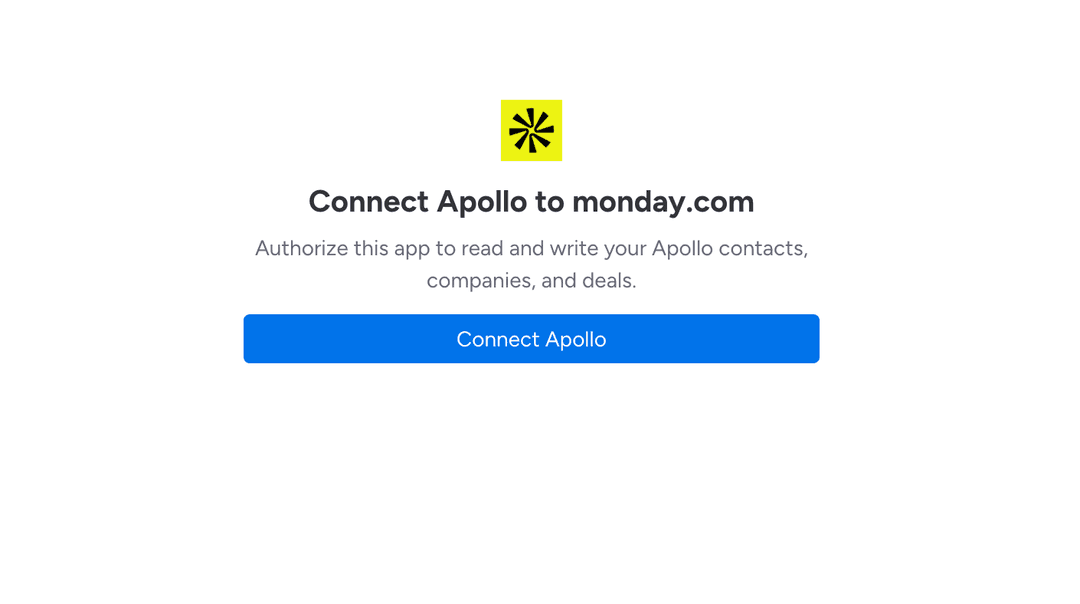
Connect Apollo & monday.com
Authorize Apollo and monday.com, both via secure OAuth 2.0 — no API keys to copy or manage. Both connections are stored encrypted in monday code SecureStorage — setup takes under 5 minutes.
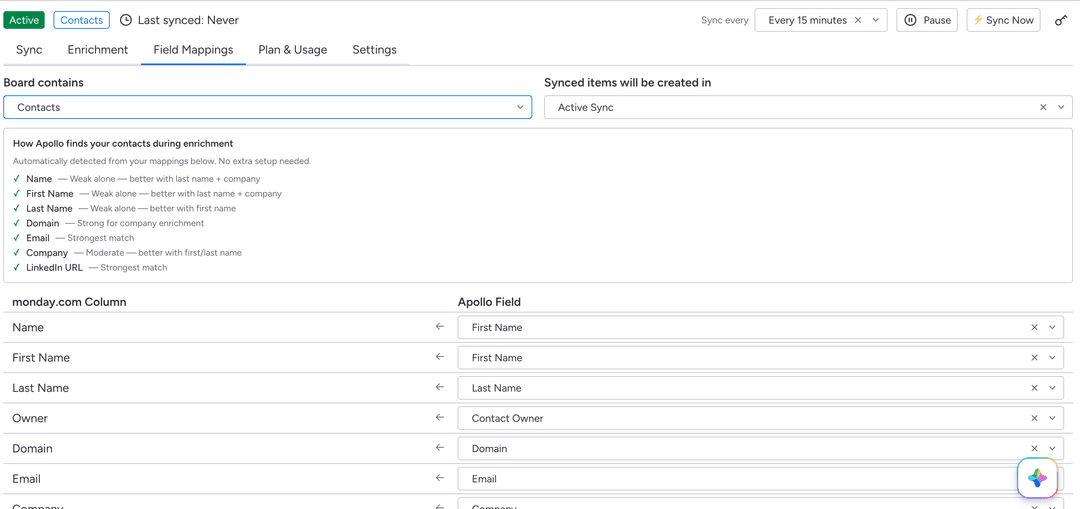
Configure Your Sync
Choose which monday.com board to sync, map Apollo fields to monday.com columns, and apply filters (contact stage, seniority, location, company size). Set your sync frequency — 10 to 60 minutes depending on your plan.
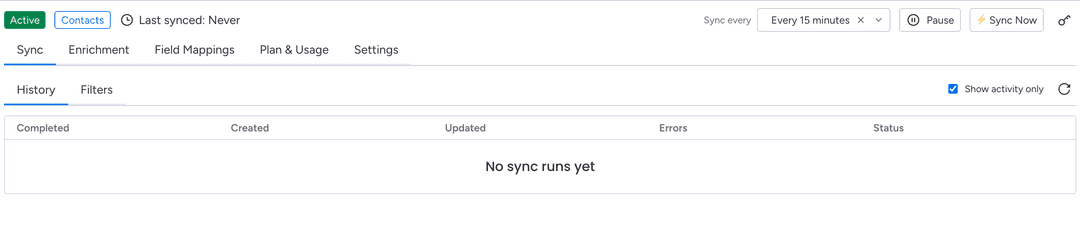
Sit Back While It Runs
Sync runs automatically on your schedule. View every sync run from the dashboard: records created, updated, skipped, and any errors — with full per-record event logs for troubleshooting.
Fill your CRM gaps
without guessing at credit costs
Apollo charges credits every time you enrich a contact. Apollo Integration shows you exactly what it will cost before it runs. Set a monthly budget cap for automatic enrichment so you never wake up to a surprise credit bill.
- Preview exact credit cost before confirming
- Enrich in bulk — up to 100 contacts at once
- Auto-enrich new contacts as soon as they're added to the board
- Match quality filter: Strong / Moderate / Weak
Fields enriched from Apollo
How Apollo Integration
compares
| Feature | Apollo Integration | Zapier | Apollo Native |
|---|---|---|---|
| Smart deduplication | |||
| Credit cost preview | |||
| Full audit trail per record | |||
| Contact enrichment | |||
| Reverse field sync (opt-in) | |||
| Stage-based automations | Limited | ||
| Error visibility per record | |||
| Prospect new contacts & companies | |||
| Native monday.com experience |
Simple pricing,
no surprises
Free to start. Paid plans from $29/month — billed per account, not per seat. Charged through monday.com, no separate card needed.
Common
questions
Ready to stop
the manual data entry?
Install Apollo Integration from the monday.com Marketplace — free to start, no credit card required.